
Painting an Apple in Photoshop CS | Only Photoshop
Drawing and Illustration Photoshop Tutorial
Tutorial por Tigerazzo
Learn how to draw and paint an apple in Adobe Photoshop CS.
Brush and Finger Tools
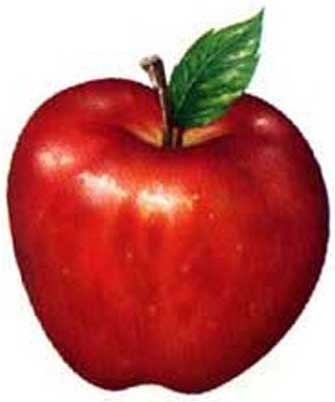
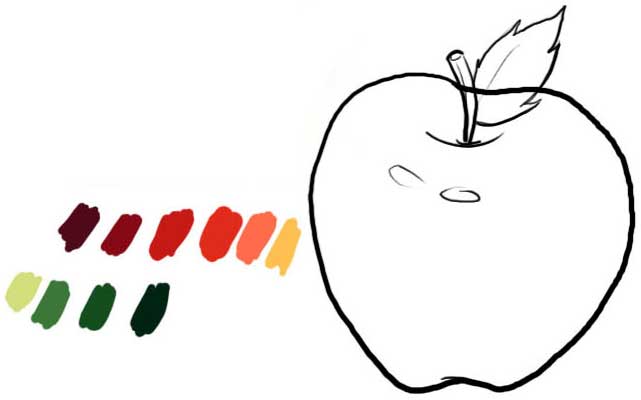
We drew the apple (it does not have to be equal) and the colors that we will use:
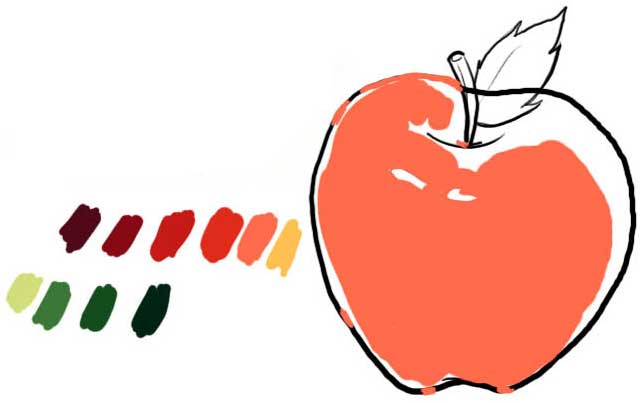
We take to the base orange and we colored more or less occupying that sector of the apple:
Here we give the dark orange and with "finger" we go "drawing":
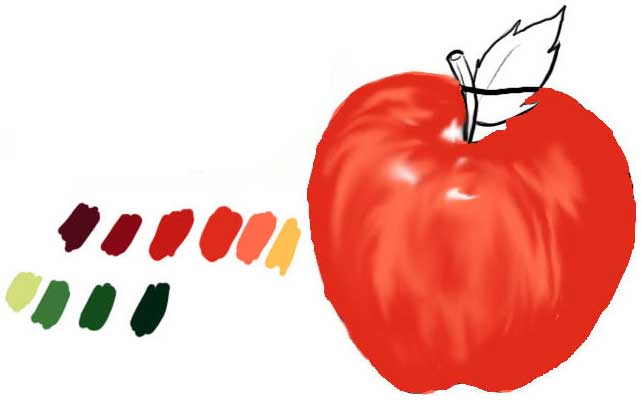
Here the red one and also with "finger" soon varying intensity to 50%:
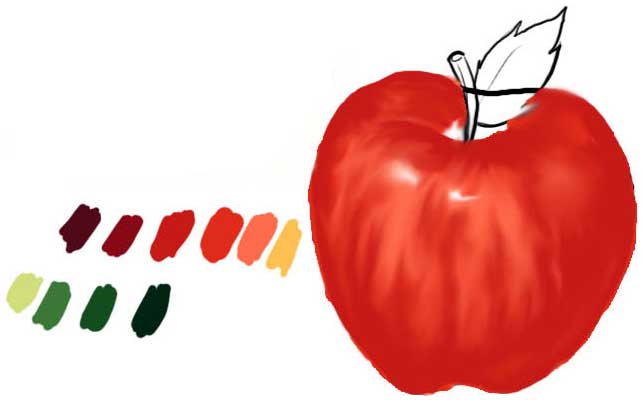
Here we began to see the one of the leaf and the stem:
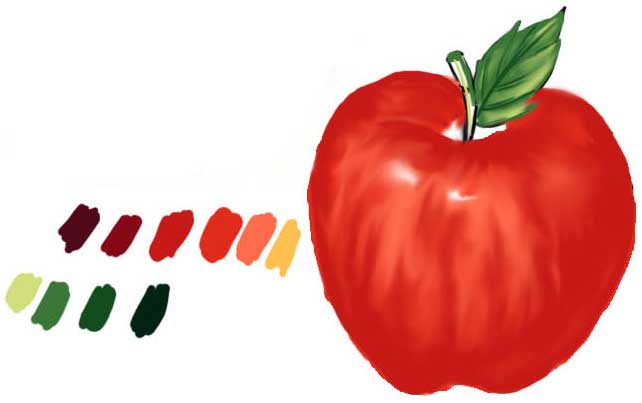
In this we applied the brown color and width the "finger" tool to 50% we worked the central zone, trying to stump; also we see the stem and leaf:
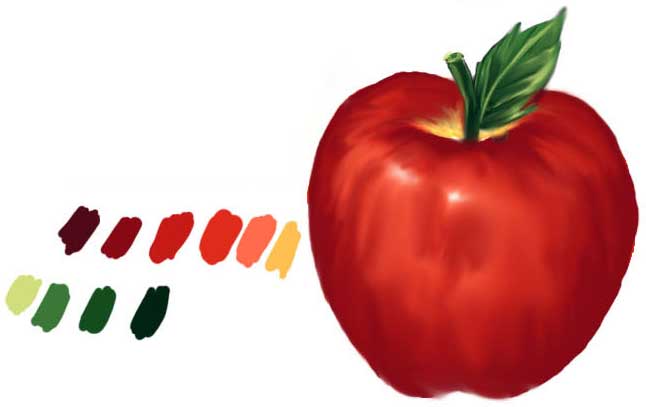
Here the dark brown color 50% we drew in the edge of the apple with a thin brush and soon with grater by the zones of "shade" and next "finger" tool to 50% and varying:
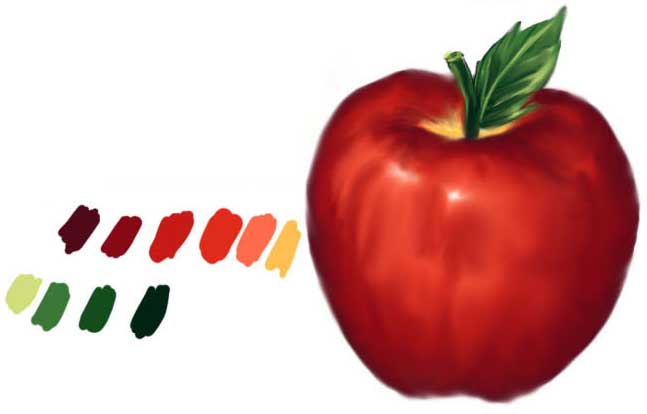
And to finish the "lights" of the apple itself:
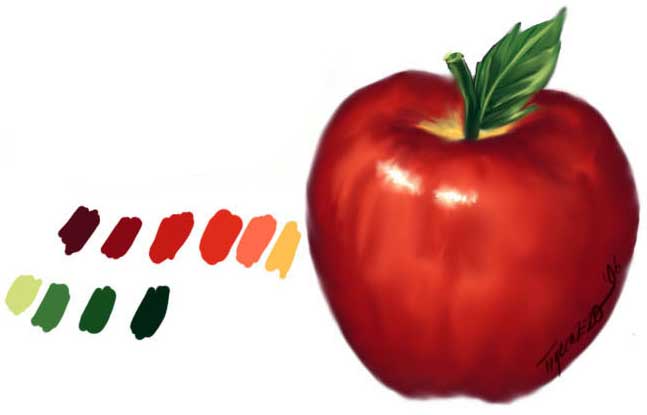
I hope has pleased to everyone. Greetings!!!


Comentarios de Painting an Apple in Photoshop CS | Only Photoshop
↑ Tutorial